
Building RigSight
Rewriting all 5,445 sentences RigSight shows
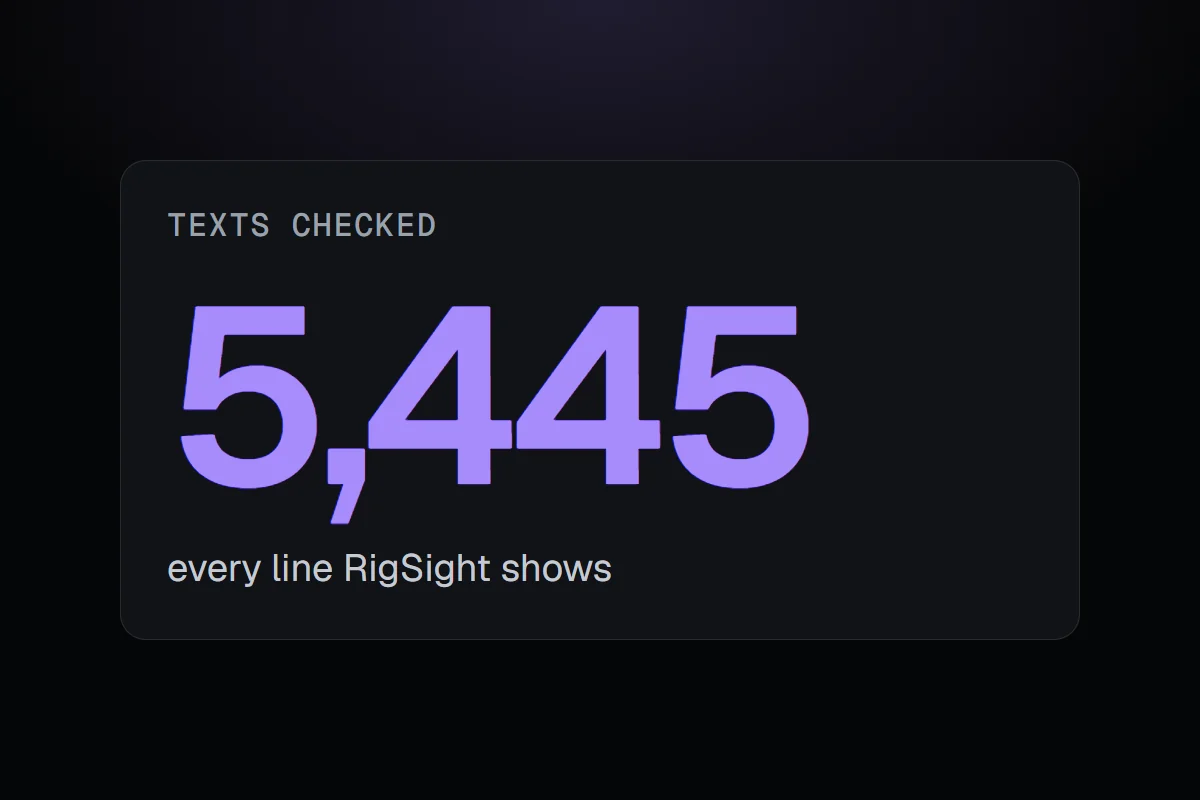
On 5 November I wrote down how RigSight should talk, then checked every one of the 5,445 texts the app shows against it. The rule that mattered most was to say what happened and never guess at why.
The short version
I wrote down how RigSight should talk and checked all 5,445 of its texts against it. 55 sets of changes came out of it, and the biggest rule was to say what happened without guessing why.
RigSight had grown fast. In six weeks it picked up crash findings, a Games page, an AI helper, a rebuilt Network page and dozens of notifications. Each was written on its own day. Read together, the app didn't always sound like one person, and a few lines guessed at things the records couldn't show.
On 5 November I wrote down how RigSight should talk. It's the voice of someone who knows PCs, explaining something about yours, then stopping.
The rules
- Write in plain, everyday English, the way a person would say it.
- Keep it short by cutting words, not the useful part. Never repeat the title in the line under it.
- Lead with what happened, then what it means, then what to do, if there's anything to do.
- Say what was seen. An observation is not a diagnosis, and two things at the same time are not cause and effect.
- Stay calm. Save urgent words for when the evidence earns them.
- No marketing or AI phrases.
- Every notification has to teach something you can't already see.
Say what happened, not why you think it happened
The rule I care about most is the fourth one. The example I wrote down uses RigSight's own notification for when the internet drops.
With a guess added
Your internet is down. Your router is reachable, but there's no internet connection. This is usually your internet provider.
Saying what was seen
Your internet is down. Your router is reachable, but there's no internet connection.
The last sentence on the left sounds helpful. But RigSight doesn't know it's the provider. It knows the router answered and the internet didn't. You can work out the rest yourself, and if the guess would have been wrong, the app hasn't told you something false.
Every text, one by one
Then I checked everything the app shows against the rules. Every page title, button, tooltip, notification, error and line of What's new came to 5,445 texts. Most were fine. The rest came out as 55 sets of changes, and all of them went out in version 1.5.0.
Precision matters as much as tone. An SSD reporting 4% available spare is not a drive almost out of space, so RigSight says what the drive reports. Notifications now give durations in words, like "for about 3 minutes", instead of figures to decode. The update screen gives one time for the restart, about 15 seconds, because that's what the real updates took. The app also moved to US spelling, so it says color and license everywhere.
The Spanish translation was redone for every changed line too, and the app's tests now fail if a retired phrase comes back.
Writing rules down sounds like busywork. In practice it changed how I build. Every new feature's mock-up now shows its real final words, already checked against the rules, so the words get reviewed with the design instead of after it. The blog follows the same idea. The posts say what RigSight recorded, and when the records don't say why, the posts don't either.