
The AI journey, part 5 of 6
Testing an AI on PCs that don't exist
To check the helper's advice on games, I built pretend PCs with known problems. Most of what went wrong wasn't the AI. It was what I was feeding it.
The short version
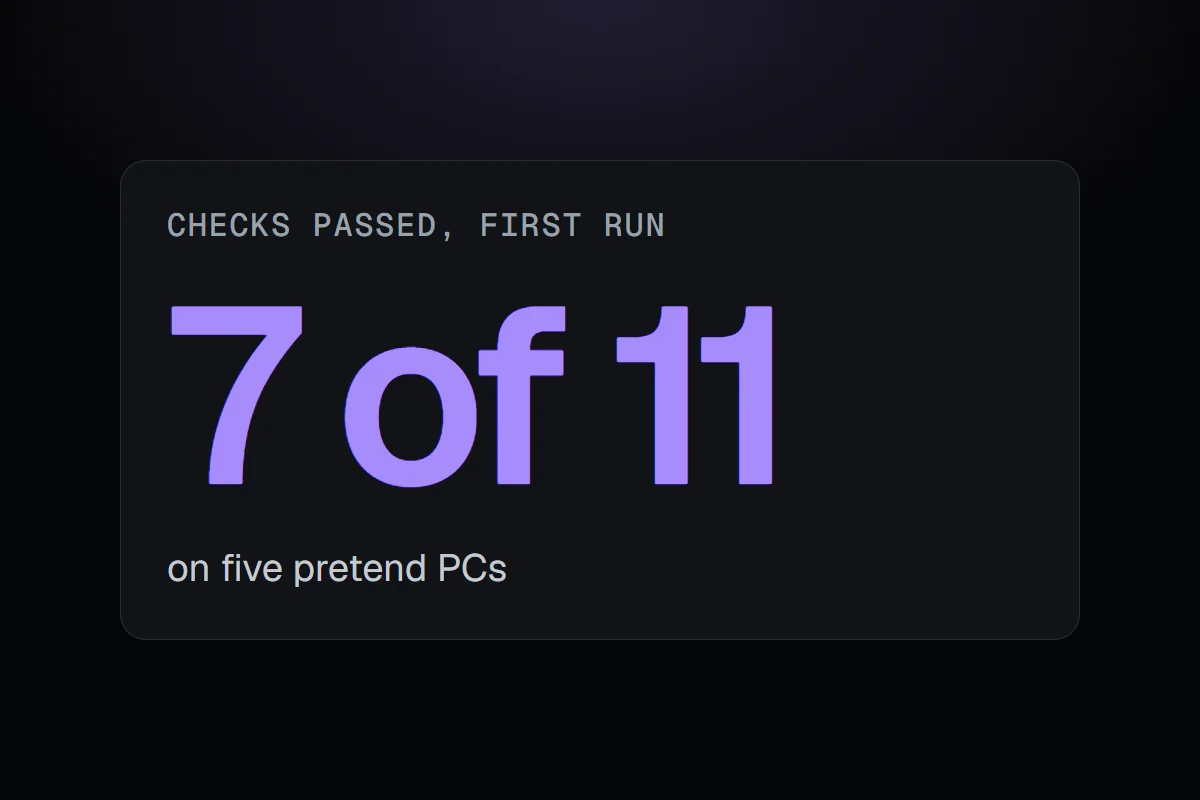
I built five pretend PCs, each with one known game problem, to check the helper's advice. The first run passed 7 of 11 checks. The worst misses came from RigSight misreading game settings files, not the AI.
"How do I make this game run better?" is probably the question people will ask the helper most. It's also a hard one to answer well. The right advice depends on the game, the GPU, the resolution, the game's own settings, and what is actually holding the frame rate back.
So the helper needed two new things. It needed to know how each game is set up, and I needed a way to check its advice that didn't depend on me playing every game on every kind of PC.
Reading how a game is set
Games keep their settings in files, and every engine does it differently. Unreal games keep an INI file in one place, Unity games in the registry or next to the game, others in Documents, Saved Games or a Steam folder, in INI, JSON, XML or Valve's own format. RigSight now finds and reads these for the things that matter, like resolution, display mode, VSync, frame limit, quality, upscaling, frame generation and ray tracing. It also reads what Windows adds, like which GPU the game is set to use, Game Mode and the screen's refresh rate.
On my own PC it read the settings for 16 of my 17 games.
Five PCs with a known problem each
RigSight already had a pretend PC for testing its insights, one that simulates temperatures, fans and loads over months. I extended it with games, adding frame rates minute by minute, stutters, drive activity, video memory and the game's settings file. Then I built five scenarios where I know the right answer.
- Cyberpunk 2077 with path tracing on, where the GPU is simply at its limit.
- Dota 2 capped by VSync, where the frame rate is flat because it's being held back on purpose.
- Hades stuttering because OneDrive was syncing on the same drive.
- Cyberpunk 2077 running out of video memory.
- Dota 2 without RivaTuner, so there's no frame rate data at all.
Each scenario has checks. In the VSync case, the answer has to name VSync as the cap, early. In the no-RivaTuner case, it has to say there's no frame data and how to get it, instead of inventing advice. The answers get written to a file I read in full too, because a check can pass on an answer that's still badly put.
The bugs were mostly mine
Looking into why answers went wrong, most of the time the AI had done a reasonable job with what it was given. What it was given was wrong.
A 30 fps limit that wasn't there. Cyberpunk writes its frame limit as a number plus a separate on or off switch. RigSight read the number and ignored the switch, so a limit that was turned off came through as "frame rate limited to 30". That came from my own real settings file, not the pretend one. Any advice built on that would have been nonsense.
VSync that went unread. One game stores VSync with a long label ending in "Off". RigSight didn't recognise it, so the AI was told nothing about VSync at all.
Path tracing, filtered out for privacy. This one I liked. Before anything is sent, a filter strips out settings that could contain folder paths, so your user name never leaves the PC. It matched the word "path". Cyberpunk's setting for path tracing has "path" in its name, so the filter threw it away. The AI couldn't mention path tracing because it never knew it was on.
All three were fixed in RigSight itself, not in the AI's instructions.
Then the instructions
The rest were real gaps in how the helper approached games, so its instructions for this kind of question got a new version. Look up a guide for this game, this GPU and this resolution before giving settings. Mention path tracing when it's on, because it's usually the biggest cost. When the 1% lows or stutters are the problem, find their cause before talking about average frame rate. Say what RivaTuner adds when it's missing. Name a VSync cap first when the frame rate is flat.
The run with the new version didn't finish. My PC ran low on memory partway through. The Cyberpunk answers that did come back were all good. One Dota answer forgot to name VSync, so I changed that wording, and the whole run still has to go again.
What's next
Pretend PCs are good at checking known problems. They can't tell me how the helper does with the mess of a real PC. So the next step is the same kind of test on a copy of my real history, with questions whose answers I already know from my own games.
The thing I keep relearning with this helper is that it can only be as right as what it's given. A lot of making the AI good turns out to be making RigSight's own readings right.