
The AI journey, part 3 of 6
Three ways to ask, including one that never leaves your PC
The helper can run on your own PC, on your own AI account, or through RigSight. Why there are three, and what each one sends.
The short version
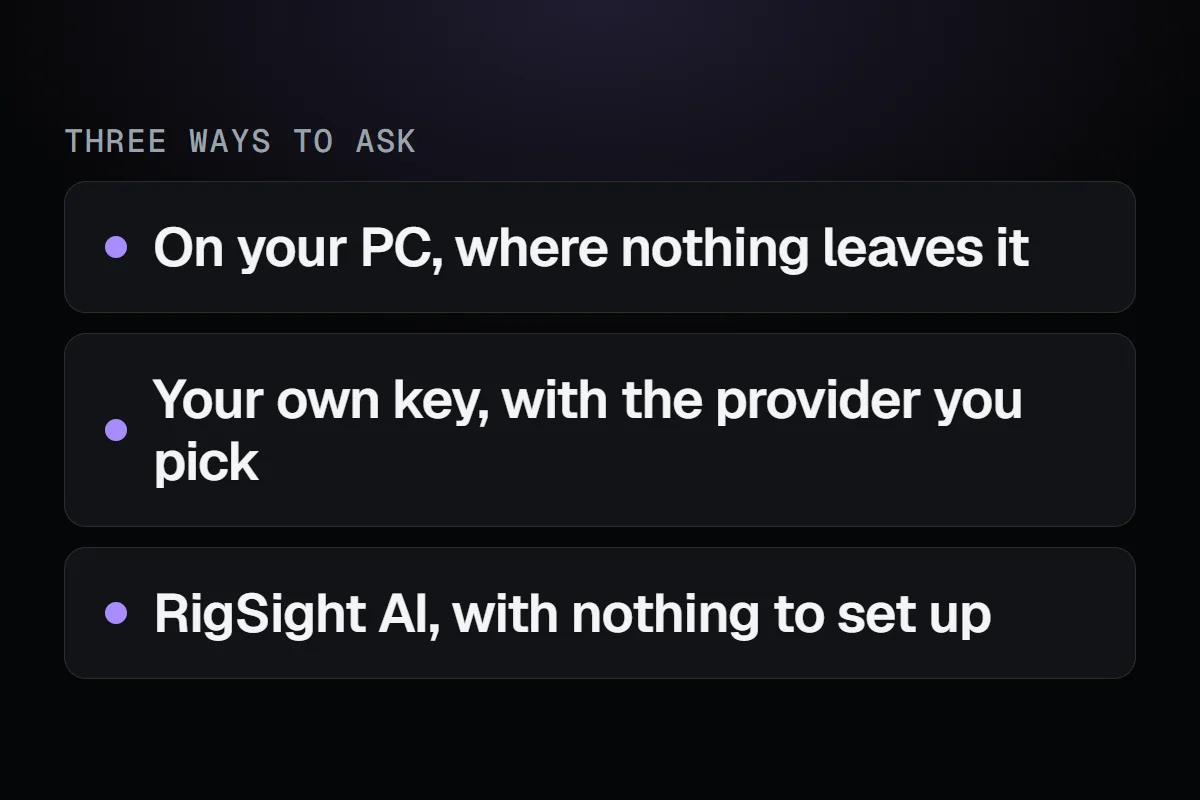
The helper can answer from a model on your own PC, from your own AI key, or through RigSight's service. The way where nothing leaves your PC was built first, on purpose.
When I removed Riggy, the reason was simple. A real AI meant either a big download to run it on your PC, or your PC's records going to a server. In October those still looked like the only two choices. So rather than pick one for everyone, the new helper lets you pick.
The first way runs locally on your own PC
The first way I built, starting on 20 October, runs the AI on your own PC with Ollama, a free app for running AI models locally. RigSight talks to it on your PC, and nothing leaves the machine. You need no account or key, and nobody else is involved.
There's a cost, and I'd rather be clear about it. A model good enough to reason about your PC needs a decent GPU, takes a while to load the first time, and is slower than the big services. RigSight shows what it's doing while you wait, such as which of your records it's reading, with a thinking word in between. Each answer says which model wrote it, so you always know what you're reading.
I built this way first on purpose. If the helper only worked by sending your data somewhere, it would have been a step back from everything RigSight said about privacy.
The second way uses your own key
The second way is for people who already pay for an AI service. Paste your key from the provider you use, pick a model from a list you can search, and RigSight asks that model directly. Only the look-up results the model asks for are sent, the same as always, and only to the provider you chose.
For both of these, you can edit the instructions the AI follows. Maybe you want shorter answers, or more detail, or answers in a different tone. Your edits stay on your PC. RigSight's own rules are added after yours, so a change in tone can't switch off the rules about only using your real records and saying when something isn't shared.
I tested that by telling it to talk like a pirate. It did, every sentence. And it still used the look-ups, still pointed to the records it read, and still ended with a next step.
The third way is RigSight AI
The third way is for people who just want it to work, without installing a model or signing up anywhere. Questions go through a small service I run, which passes them to the AI model and streams the answer back.
This is the one that needed the most rules, because it's the one where I'm in the middle. It has these rules.
- The app never contacts it until you've chosen RigSight AI and asked a question. No check-in at start-up.
- Your IP address is never stored, not even scrambled.
- There's no usage tracking of what you do in the app.
When I wrote this, how it would be paid for was still being worked out. It launched in version 1.0.0 with a free trial and paid plans.
Before the first question
Whichever way you pick, the first question you ask shows a short window first. It says, for that way, what gets sent and where, with a link to the switches. You read it once, and then you ask.
Your conversations are kept on your PC, so you can come back to them. You can pin them, rename them, archive them or delete them.
Three ways is more to explain than one. But each one exists because a real person would want it, and the one where nothing leaves your PC is the reason I felt alright bringing AI back at all.