
Building RigSight
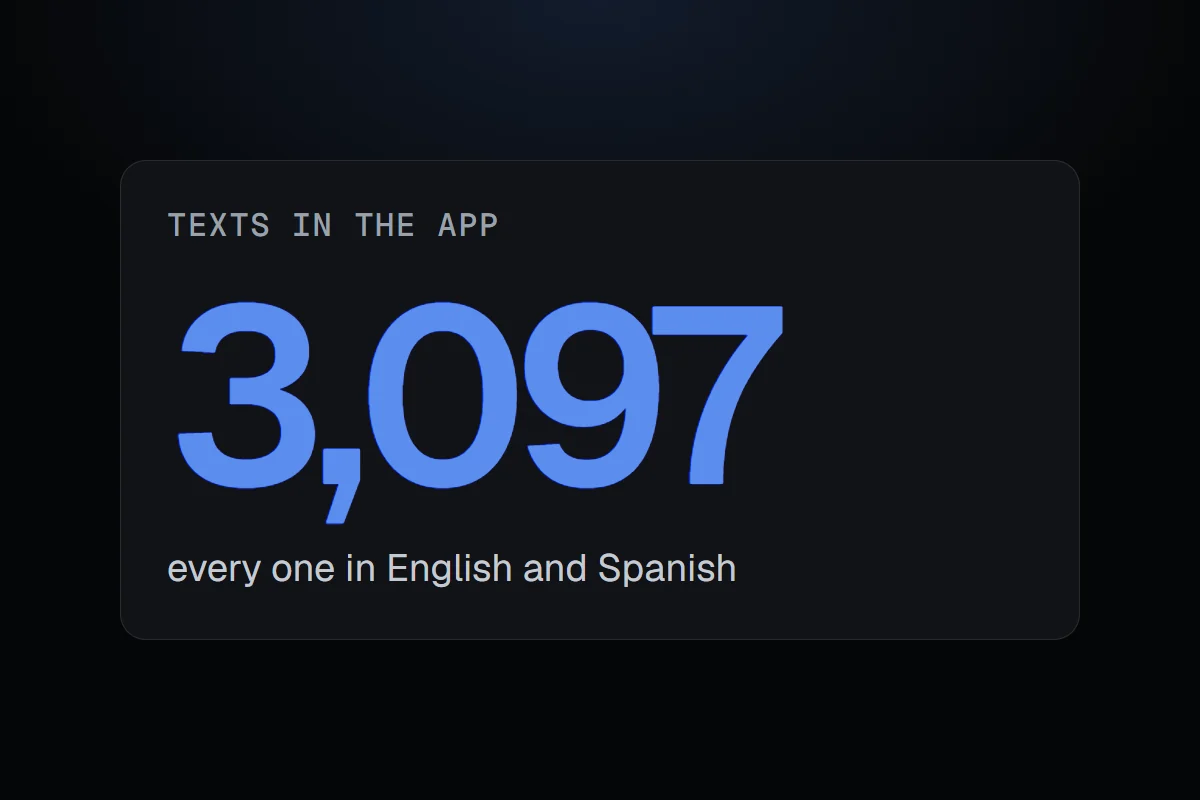
Putting RigSight into Spanish, all 3,097 lines of it
People asked for Spanish. Translating the words was the easy part. Sentences built from English pieces, and a history stored in English, were the hard part.
The short version
RigSight 0.30.0 came out in Spanish as a download you pick in Settings. The hard part wasn't translating 3,097 texts. It was sentences glued from English pieces, and history stored in English.
On 19 October people asked for RigSight in Spanish. It was a fair ask. A lot of PC gamers don't use English as their first language, and a monitor full of half-understood warnings isn't much use.
I thought it would take a day. It did take a day, but a very long one, and almost none of the time went into the actual translating.
A pack, not a bigger installer
The first choice was how Spanish should arrive. I didn't want every user downloading every language forever. So English is built in, and other languages are packs. You pick Spanish in Settings, RigSight downloads that one file, and from then on it comes along with each update.
I also chose not to follow Windows' display language. Plenty of people run Windows in English and would rather read RigSight in Spanish, or the other way round. It's your pick, in Settings.
Finding every word
Before anything could be translated, every piece of text in the app had to go through one place that knows about languages. Page titles, buttons, tooltips, notifications, the tray menu, the overlay, chart labels, crash findings, exported spreadsheets. It came to 3,097 texts.
Then a check that fails the release if any of them is missing a translation. That one matters more than it sounds. If I reword an English sentence later, its Spanish version no longer matches, and without the check that line would quietly turn back into English for Spanish users.
Sentences glued from pieces
The real work was sentences. In English it's tempting to build a sentence from parts, like an app's name, then "crashed", then "in", then a cause. That works in English. In Spanish the parts change shape, need an article, or go in a different order.
So every sentence like that was rewritten as one whole sentence with gaps for the names and numbers. Sometimes Spanish needed more than one sentence where English had one. One day and many days each got their own, and so did a time and a day. A culprit that needs "el" or "la" did too. Dates got their own care too, so 19 October reads "19 de octubre". Numbers and dates still follow your Windows region, whatever the language.
A history that was stored in English
The trickiest question was the history. RigSight saves lines like change titles and crash causes when they happen. Months of them were already stored, in English.
I could have saved new lines in the language in use. But then switching languages would leave your history half in one and half in the other. So history keeps one fixed form, and every saved line is translated when it's shown. Old lines included. Switch to Spanish today, and your crash from September reads in Spanish too.
What happens when the download fails
One last rule, because downloads fail. If this version's Spanish pack can't be fetched, RigSight uses the newest earlier pack. A few new words might show in English for a while, and nothing crashes. And a working pack is never replaced by an older one.
The translation itself was checked against one glossary, so a word like "crash" or "1% low" means the same thing on every page. Then a fluency pass on the whole app, page by page, because a correct sentence can still sound like a machine wrote it.