
Building RigSight
Making RigSight work without admin rights
On a standard Windows account RigSight asked for an admin password at every start and recorded nothing without one. Here's how it learned to do what it can, and say what it can't.
The short version
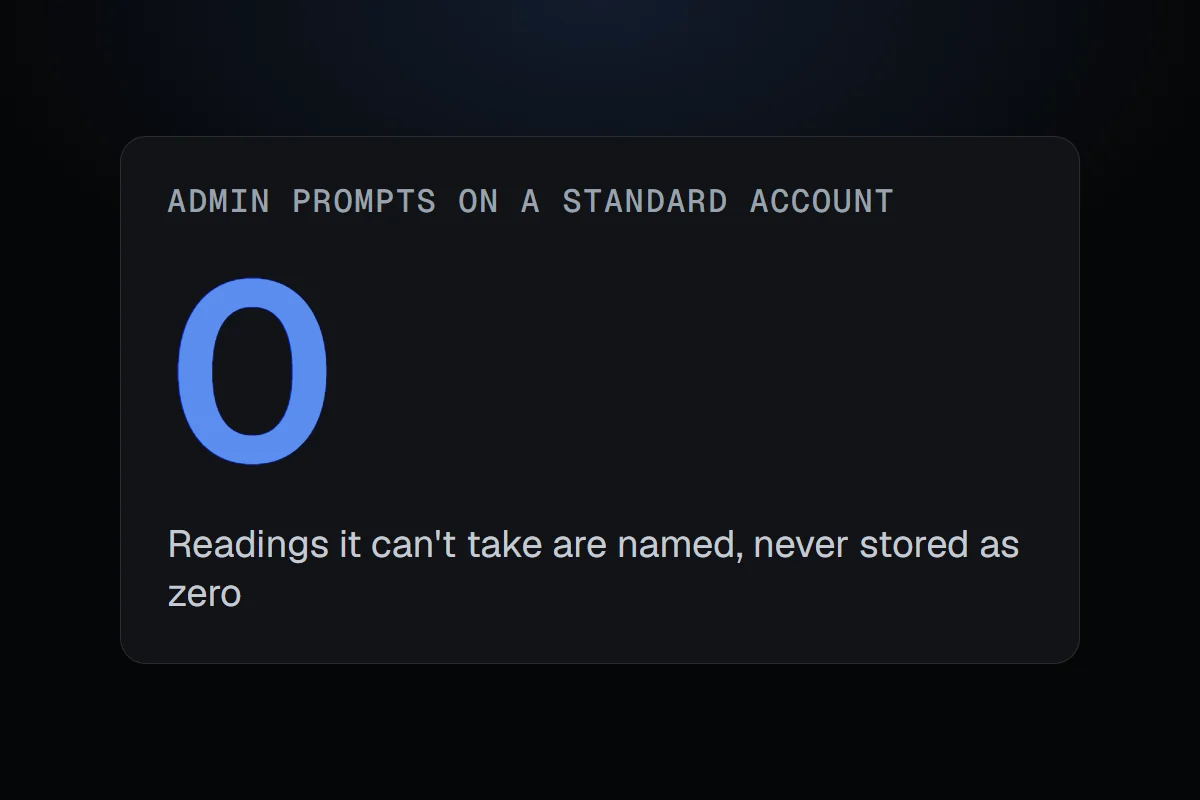
On a standard Windows account RigSight asked for an admin password at every start and recorded nothing without one. Now it records what Windows allows and names what it can't read, instead of storing zeros.
Some of what RigSight reads is locked away by Windows. The CPU's temperature, the motherboard's fans and voltages, drive health and each app's internet use are only available to programs running with admin rights. So from the start, RigSight's recorder ran as admin.
On my PC, and on most gaming PCs, that's fine. You are the admin. But plenty of PCs aren't set up like that. A family PC where the kids have standard accounts. A work laptop. A shared machine where only one person knows the admin password.
On those, RigSight behaved badly. At every start it asked for an admin's password. If nobody typed it, it recorded nothing at all.
Do what you can without admin rights
Version 0.23.0 makes the recorder look at the account it's running in first. It can be an admin, an admin that hasn't been given admin rights yet, or a standard account. On a standard account it now runs without admin rights and never asks for them.
Then it records everything Windows does allow. That's more than I expected.
- CPU load, which Home uses for "CPU busiest" instead of the CPU temperature
- GPU temperatures and fans
- Space on every drive
- The whole PC's internet use, from the network cards' own counters
- Apps, time on the PC, games and crashes
Say what you can't
The part I cared about most was the missing readings. The easy thing would have been to store zeros. That would have been a lie that looks like data. A CPU at 0° isn't a cool CPU, it's a reading that never happened, and a chart of zeros would sit in your history forever looking real.
So those readings are switched off and labelled as off. A "Standard account" card explains it once, and an "Admin rights" tab in Settings lists what's missing and why. No false zeros are stored, ever.
Before
A password prompt at every start. Without it, no history at all.
Now
Starts quietly, records what Windows allows, and names what it can't read.
One PC, several people
Running on standard accounts raised a question I hadn't thought about. Whose history is it? The answer is simple. Each person's history and settings stay in their own Windows profile, even when an admin's password was used to install it. If two people are signed in at once, each gets their own recorder.
For whoever looks after the PC, setup has two new boxes on PCs with more than one account. One installs it for everyone, and the other keeps it updated for everyone. The updater only runs when RigSight starts or when someone presses Update. It never runs on a timer in the background, and it waits while a RigSight window is open.
Testing on PCs I don't own
I only have one PC, and I'm the admin on it. So I tested this on throwaway Windows machines that only last 50 minutes each. I tried an ordinary admin upgrading from the old version with their history counted before and after, standard accounts, two admins, the updater and uninstalling. Then on my own PC, over the previous version.
It's not the most exciting release I've made. But it's the one that let a whole group of people use RigSight at all, and it set a rule I've kept since. When RigSight can't know something, it says so in words, and the history only ever holds readings that really happened.