
Building RigSight
The tests said 15 milliseconds. The app froze.
Switching pages felt slow, but every test passed. Made-up history was too tidy to show the problem. Real history showed it at once.
The short version
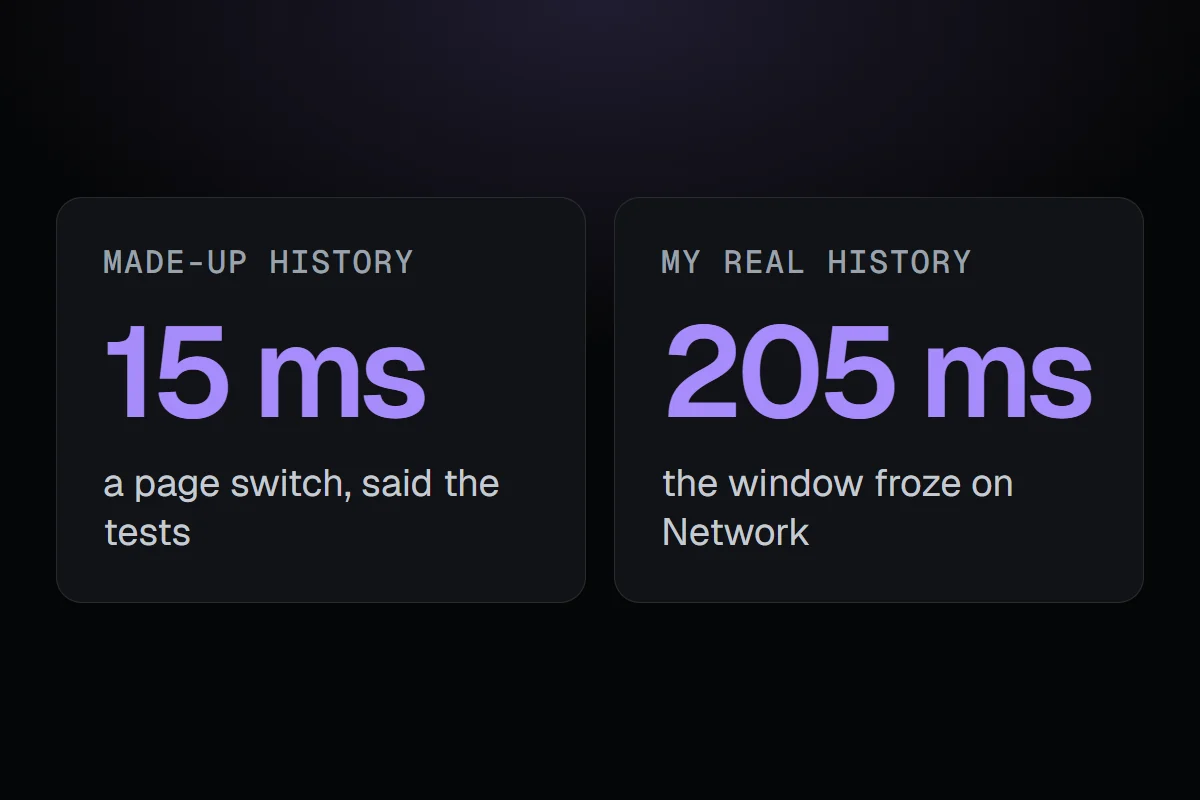
Tests on made-up history said a page switch took 15 ms. On my real history the window froze for up to 205 ms. Now the release tests run on a copy of real history.
RigSight has a lot of tests. By late September there were about 3,160 of them, and before every release a full check builds the app, runs it as a separate test copy on a year of generated history, and measures how fast it starts, how much processor and memory it uses, and how quickly pages switch. Each number has a limit, and the release stops if one goes over.
So on 8 October, when switching between pages felt laggy to me, I looked at the test results first. They said a page switch took about 15 milliseconds. That's instant. Everything passed.
But the lag was real. I could feel it.
Measuring the real thing
So I measured the installed app, on my own history, the way I actually use it. After every switch, the window froze for a moment.
Every visit to a page rebuilt it from scratch. RigSight read the period again and replaced every row in every list with brand new rows, even when nothing had changed. On the made-up year, the lists were tidy and regular, so rebuilding them cost almost nothing. My real history was messier, with more apps, more icons and more of everything, and rebuilding it showed.
The fix, and the bigger fix
The fix itself was simple to describe. When you come back to a page, it keeps the rows it already has and only replaces the ones that changed. Network keeps each app's row and just gives it new figures. App icons are read in the background instead of on the window's own time.
The bigger fix was to the tests. The full check now runs on a copy of my real history by default, with its own limits. The made-up year still runs too, because it covers cases my PC hasn't had yet. But it isn't the one that decides whether something feels fast.
The next day, the same lesson
A day later I noticed something else. When I opened RigSight from the tray, the readings and lists took seconds to show up. Measured on the installed version, the first readings arrived 0.35 to 2.7 seconds after the window connected, and the list of running apps 0.5 to 5.2 seconds after.
The recorder sends readings every two seconds and the app list every five. A new window just waited for the next turn. Version 0.19.2 sends both the moment a window connects, so they now arrive in about a third of a second.
While I was there, I fixed something that bothered me more. Pages that were still waiting for their data said "nothing recorded". That's a lie for a second or two, and you might believe it. Now a box that is waiting shows a small loader instead, and only says "nothing" once it really knows.