
Building RigSight
The driver update that knocked RigSight out
An NVIDIA driver update crashed RigSight's recorder ten seconds after the new driver started, and nothing brought it back.
The short version
An NVIDIA driver update crashed the recorder, and nothing restarted it. Now RigSight steps back from the GPU while its driver changes, and Windows brings the recorder back if it ever goes down.
On 7 October I updated my NVIDIA driver, like you do. Ten seconds after the new driver started, RigSight's recorder crashed.
It had been in the middle of asking the GPU for its temperature through NVIDIA's own library. The old driver was gone, the new one had just arrived, and the call landed on memory that wasn't there any more. That's an access violation, and it took the whole recorder down.
The worse part came after. Nothing started it again. RigSight starts with Windows, so it would come back at the next restart, but until then there was simply no recording. I had to start it by hand.
Why this one mattered
A graphics driver update is about the most normal thing a gamer does. NVIDIA and AMD ship new drivers every few weeks. And a history app has one job, which is to be there for the moment something goes wrong. A recorder that dies during a driver install misses exactly the moments people later ask about, like "my game started crashing after I updated".
So the fix in 0.17.1 has two parts. One stops the crash. The other makes sure a crash, if one ever gets through, doesn't become a silent gap.
Step back while the driver changes
Windows can tell a program when a GPU's driver goes away or arrives. RigSight now listens for that, only for real GPUs, so virtual screens from remote desktop tools don't set it off.
When it hears a driver change, it stops reading the GPUs at once. Then it waits until things have been quiet for half a minute and restarts itself cleanly, picking up the new driver from scratch.
And if it crashes anyway
Windows has a way for a program to say "if I crash, start me again". RigSight's recorder now uses it. If it crashes after running for at least a minute, Windows brings it back, and its log notes that it came back after a crash.
I tested both halves with a pretend driver change and with a crash I caused on purpose. In the forced crash, Windows had the recorder running again in 7 seconds.
Telling you about it, too
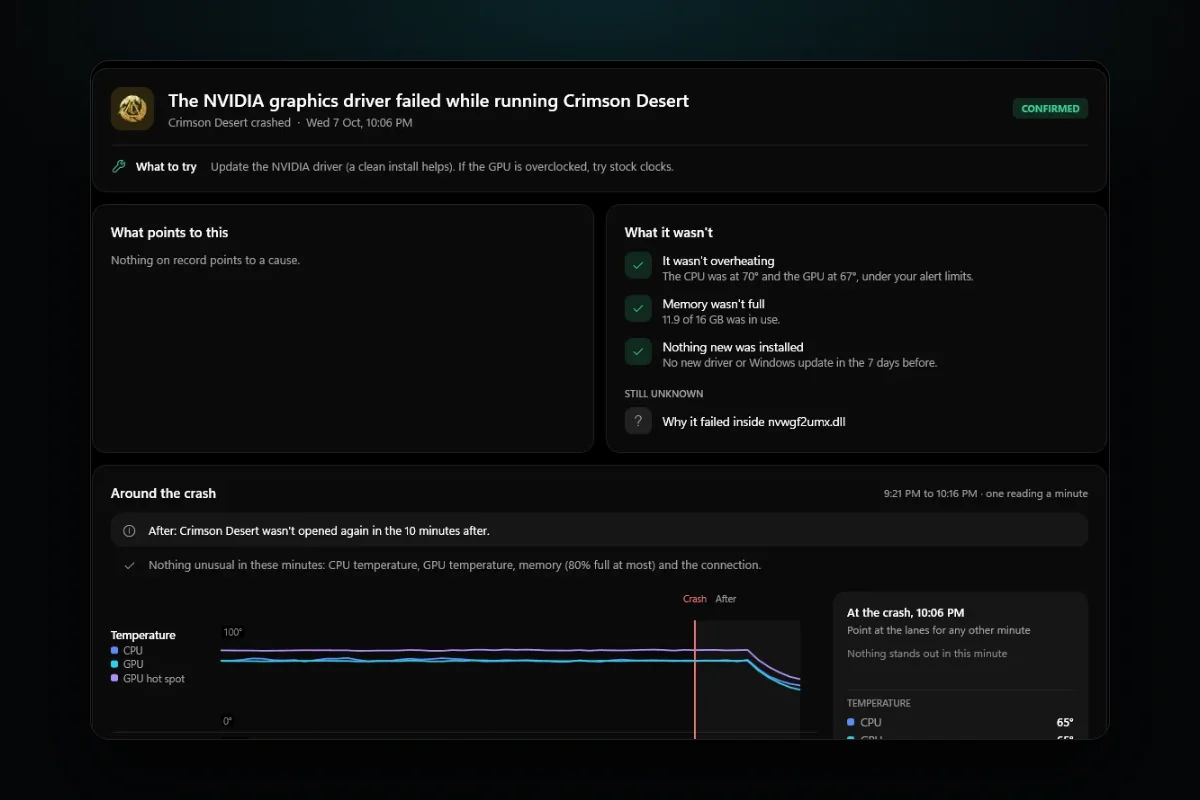
There was one more thing worth doing. If a game or app crashes while a graphics driver is being installed, that's almost certainly why. So the Crashes page now says so. An app that went down within two minutes of a driver install shows the driver that was being installed at that moment.
The same release, from a comment
One more thing went into 0.17.1 because of a commenter. Their Windows power plan kept switching from High performance to Balanced on its own, and they couldn't tell when. RigSight already followed Windows settings, so the power plan joined them. It's shown on the Timeline's "This PC now" panel with the date it was set, and every switch is its own Timeline line saying what it was before.
The bigger lesson from that week was about how RigSight fails. Crashing is bad. Crashing quietly, and staying down, is much worse. Since then, every time I look at a way the recorder can fail, I ask two questions. Will it come back by itself? And will you be able to see that it was gone?