
Building RigSight
How light is light? Measuring an app that never closes
Someone suggested rewriting RigSight's sensor reading in C++. Measuring first showed where the time really goes, and that I had read the wrong memory number.
The short version
A user suggested rewriting the sensor reading in C++. Measuring showed 73% of the recorder's time was Windows and drivers talking to hardware, which a rewrite can't speed up. I also caught myself reading the wrong memory number.
RigSight's recorder never closes. It starts with Windows and reads your sensors every couple of seconds for as long as the PC is on. If it cost even 1% of your processor, that would be a real tax on a gaming PC, all day, every day. So "how light is it?" is a question I get a lot, and one I ask myself.
On 30 September a user made a good suggestion. Write the hardware polling in C++ instead of C#, to make the app lighter. It's a fair instinct. C++ has a reputation for being fast. Before rewriting anything, I wanted to know where the time actually went.
Where the time goes
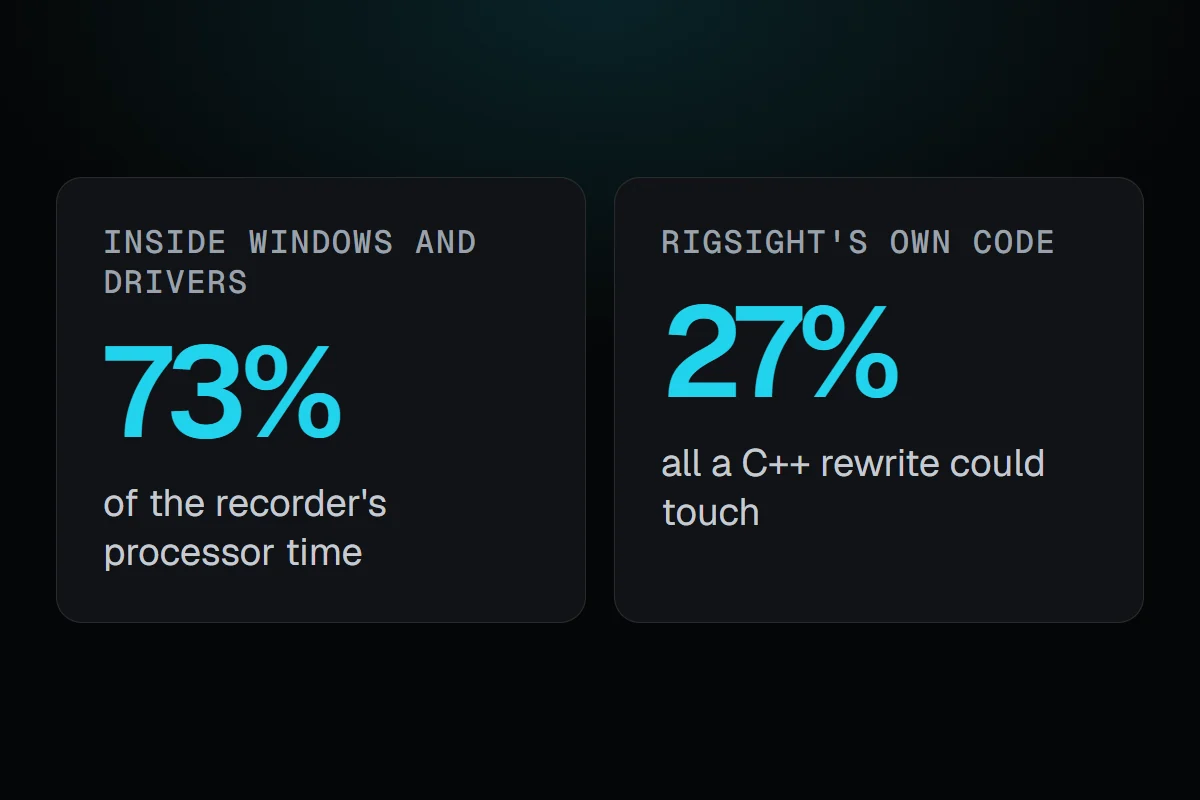
I measured the installed recorder with its window closed, for two minutes, on my PC. It used 0.078% of one processor core in its own code and 0.208% inside Windows itself. So about 73% of its time wasn't RigSight's code at all. It was Windows and the drivers, talking to the hardware.
Then I timed one full read of every sensor on the PC, the slowest case possible. It took 214 milliseconds of waiting. Almost all of it was the devices themselves taking their time to answer.
The C# part of that read was about 6% of its processor time. And the real recorder never does a full read. It asks only for what it needs, which costs about 6 milliseconds of processor time every two seconds.
So a rewrite would have been weeks of work, and it would have meant replacing the sensor library RigSight is built on, for a saving too small to see in Task Manager. I tried the one cheap native option too, compiling the existing code ahead of time. The tooling for the recorder's kind of app doesn't support it. I wrote all of this back to the user, with the numbers.
The number I got wrong
The same day I made a mistake that is easy to make on Windows. I looked at the recorder's "private bytes", saw about 110 MB, and told the user its memory was high and growing.
It wasn't. Private bytes counts memory the program has reserved, including memory it has never touched. The number Task Manager shows, and the one that actually takes RAM from your games, is the private working set. After five and a half hours, that was 21.8 MB. I corrected myself the same day.
I keep that one as a reminder. Measuring is only useful if you measure the right thing, and with memory on Windows there are at least four "right-looking" numbers to choose from.
Lighter where it counts
Not every idea that makes RigSight faster is worth its cost either. Later, in 0.19.2, I tried sending readings to the open window every second instead of every two. With the window open, the recorder went from 0.13% to 0.22% of the PC. Smoother numbers weren't worth that, so I left it at two seconds.
Today the site says about 0.02% of the PC on my test machine, a Ryzen 7 5700X3D, with the window closed, measured in Task Manager. It's a small number, and I check it before every release. If it ever grows, I want to know before you do.