
Building RigSight
My PC wasn't losing power in its sleep
RigSight said my PC kept losing power while asleep. It didn't. I had misread a number in Windows' own crash record.
The short version
RigSight said my PC kept losing power in its sleep. I had read a field in Windows' crash record as yes or no. It's actually the power state Windows was moving into.
When Windows goes down without a proper shutdown, it writes an entry to its event log the next time it starts. It's event 41, from a source called Kernel-Power, and if you have ever looked into random restarts you have probably met it. RigSight reads these entries so the Crashes page can show when your PC went down and why.
By the start of October, RigSight was telling me my own PC lost power while it was asleep. Again and again. In the 30 days up to 1 October, it counted 22 shutdowns that didn't finish properly and only 7 that did.
That's the kind of thing that makes you look at your power supply with suspicion. But I don't switch my PC off at the wall, and the lights in my house hadn't been flickering 22 times a month.
A field with a misleading name
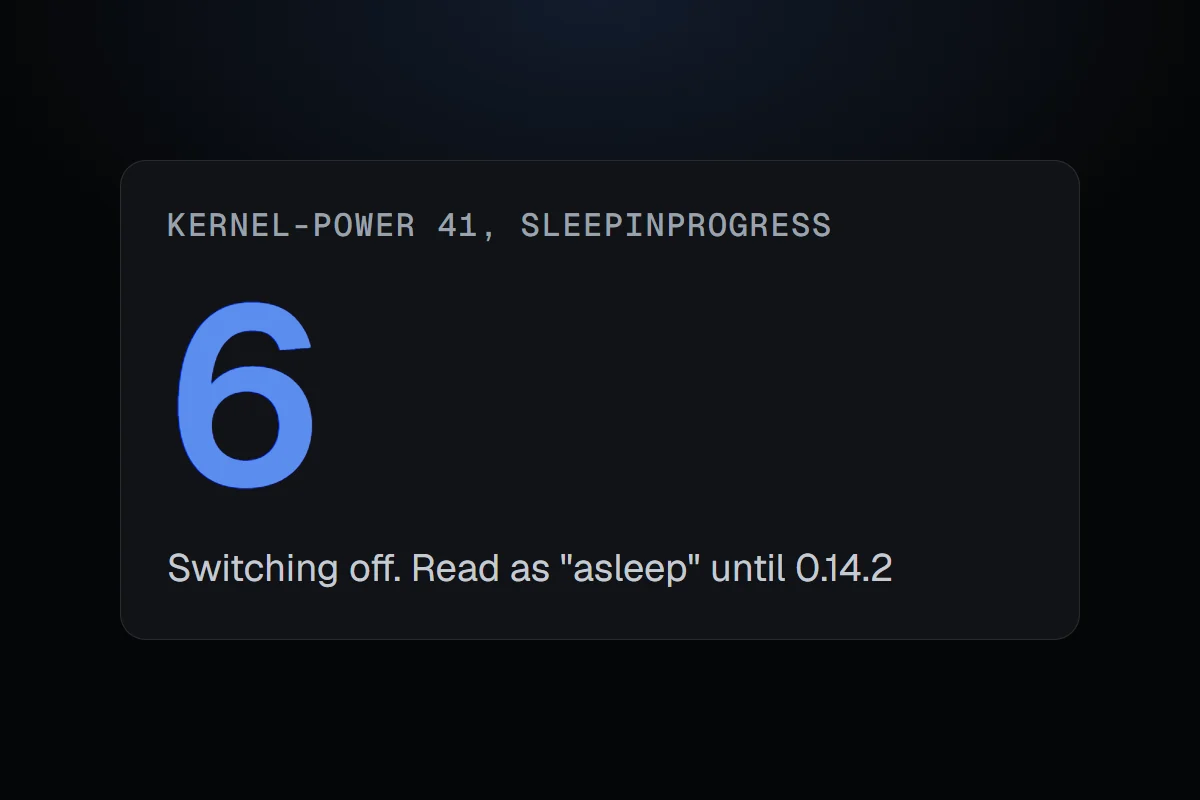
Event 41 has a field called SleepInProgress. I read it the way the name reads, as "was the PC asleep when it went down?" If the value was anything but zero, RigSight said yes.
That's not what it means. The field holds the power state Windows was moving into when things stopped. It's a number, and each number is a different state.
On my PC the number was a 6. Windows was switching off, and the shutdown never quite finished. RigSight saw "not zero" and called it a power loss during sleep.
Fast Startup makes it worse. It's on by default in Windows, and it makes "Shut down" work a bit like hibernating, so the PC starts faster next time. That means a normal shutdown with Fast Startup goes through state 5. Any of those that didn't finish would also have looked like sleep.
There was a second field I had leaned on, SystemSleepTransitionsToOn. It counts how many times the PC has woken up since it last started. That tells you nothing about what was happening at the moment it went down, so RigSight stopped using it for that.
The fix, including the old entries
Version 0.14.2 reads the number as a state. A 5 or a 6 now means "the PC didn't finish shutting down", which is what it really means, and true sleep only comes from 2 to 4.
Fixing it going forward wasn't enough, because RigSight keeps history. Every wrong label from before would have stayed wrong. So the next scan of Windows' log went back over the stored shutdowns and corrected them too.
Being careful with the word "power"
That bug made me careful with anything that sounds like a power cut. Two weeks later, when crashes started getting a cause and a confidence word, the rules for power got strict.
- A shut-off is only a likely power cut when the PC was idle and cool, nobody held the power button and Windows logged nothing else.
- A shut-off under load is only a possible problem with the mains or the power supply.
- The time a PC went down comes from the last minute RigSight recorded, not the earlier time Windows sometimes gives.
The lesson I took from it is a plain one. A field's name is a hint, not a definition. When a reading tells a dramatic story, like power failing every night, check what the number really holds before believing the story.