
Building RigSight
Bugs that make no noise
Internet use that silently stopped being recorded, an app 'updated' 45 minutes early, and a game 'installed' ten minutes into a 55 GB download.
The short version
The worst bugs in a history app crash nothing. They quietly write something slightly wrong. Three from October, each caught because a line in the history didn't match what really happened.
A crash is a gift, in a way. Something stops, you get a report, you know where to look. The bugs that worry me more are the quiet ones, where everything keeps running and the history just isn't true. Nobody gets an error. You only notice if you happen to remember what really happened that day.
Here are three of them.
Internet use that stopped being recorded
RigSight tells you which apps used your internet and how much. To see that per app, it listens to a stream of network events that Windows can send to programs that ask for it.
In early October I found that internet use could simply stop being recorded. No error, no warning. The recorder was running, the network was busy, and the stream was delivering nothing.
The cause turned out to be my own testing. Test copies of RigSight open their own streams. When a test copy ended badly, its stream was left open with nobody reading it. Once a stream like that fills up, it can stop every other network stream on the PC, including the real RigSight's.
Version 0.15.3 watches for exactly this. If the stream delivers nothing while the network cards are clearly busy, the recorder starts it again. It closes streams left behind by test copies. And if neither helps, the Network page says so, instead of showing you a quiet day that wasn't quiet.
Discord, updated 45 minutes early
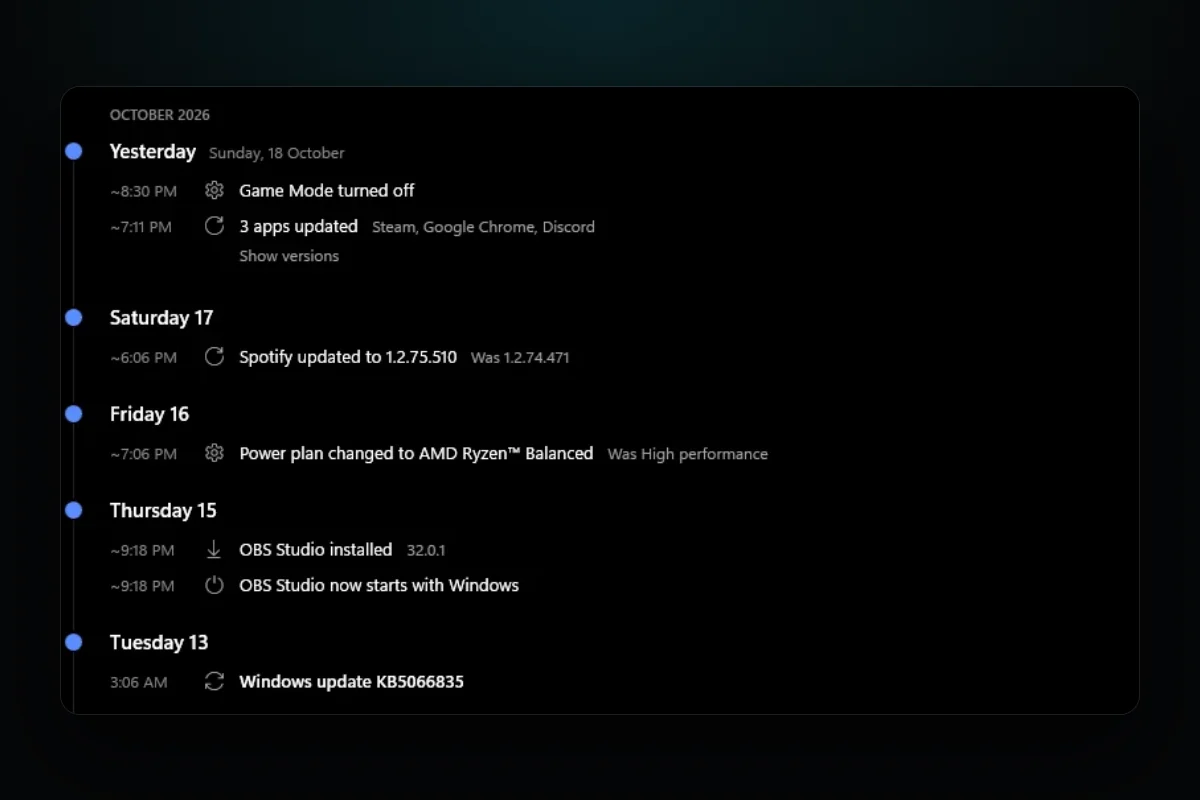
The Timeline page lists what changed on your PC, like drivers, Windows updates, and apps installed and updated. One morning it said Discord had updated at 7:19. I had been using the old version until about 8:05.
Discord writes its new version number into Windows' list of installed apps as soon as the update is downloaded, while the old version keeps running. RigSight believed the list. Since 0.18.0, an app's update only counts once the new version is actually the one running.
A game "installed" ten minutes into its download
The same thing happened with Steam, bigger. The Timeline said ARC Raiders was installed. At that moment it was ten minutes into a 55 GB download.
Steam lists a game as soon as its download starts. Version 0.21.1 waits until the download is done before calling a game installed.
What they have in common
In each case RigSight trusted a source that was telling the truth about something slightly different. Windows' list said what was downloaded, not what was running. Steam's list said what was started, not what was finished. A network stream said nothing, which looked the same as nothing happening.
The fix each time was to check the thing itself. Is the new version the one running? Is the download finished? Is the network busy while the stream says it's quiet?
I also changed how I treat silence. In a few places RigSight now tells a gap apart from a quiet moment and says which one it is. A stretch with no readings is shaded as "Not recorded" on charts. A Storage scan shows how far along it is, after a user saw nothing happen and thought the app had crashed. When RigSight doesn't know what happened, it should say so, and never show it as "nothing happened".