
Building RigSight
Getting numbers inside a fullscreen game
Why a normal window can't draw over some games, how RivaTuner gets around it, and the see-through panel that turned solid black.
The short version
Windows won't draw other windows over a game in exclusive fullscreen, so the overlay goes through RivaTuner there. Keeping both overlays identical was the hard part. One setting turned a see-through panel solid black.
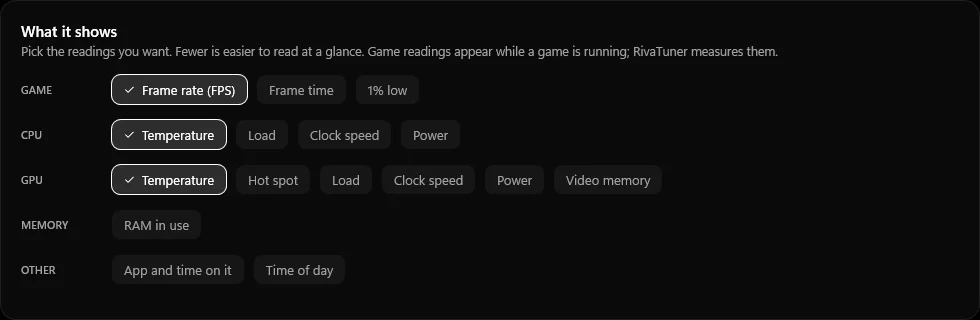
A game overlay sounds like the easy part of a PC monitor. Put a small box in the corner, show the temperature and the frame rate, done. The first version, 0.4.0, did exactly that. It was its own see-through window that a shortcut turned on and off.
It worked in windowed games and in borderless ones. Then I opened a game in exclusive fullscreen and the overlay was gone.
Why the window disappears
In exclusive fullscreen, the game takes over the screen. Windows stops putting other windows on top of it, so my overlay window was still there, just not drawn. No setting on my side could change that.
The tool that gets around this is RivaTuner Statistics Server. It is what MSI Afterburner uses for its overlay. It hooks into the game's own drawing and adds text to each frame. Other apps can hand it text to show. So from 0.4.1, when a game runs in exclusive fullscreen, RigSight passes its overlay to RivaTuner instead of drawing its own.
RivaTuner is optional. Setup offers to install it, and without it you still get everything else. It only adds the frame rate and the overlay inside those games.
Two overlays that should look like one
Now there were two overlays. One was mine, drawn by RigSight. The other was RivaTuner's, drawn from text and a small set of formatting codes. I wanted nobody to be able to tell which one they were looking at. Same font, same rounded panel, grey units, the same corner.
RivaTuner's formatting is limited, so a few things needed tricks. Text near the screen edge got cut off, so it needed padding inside its panel. Only one font works per block of text, so labels can't be bold. Right and left alignment use the same code with a minus sign. None of this is hard once you know it. You just find out one by one.
The panel that turned black
On 27 September I made RigSight use RivaTuner in more games, any game it was already running in, not only exclusive fullscreen ones. Soon after, the overlay in those games had a solid black panel behind the numbers. The setting said the background should be fully see-through.
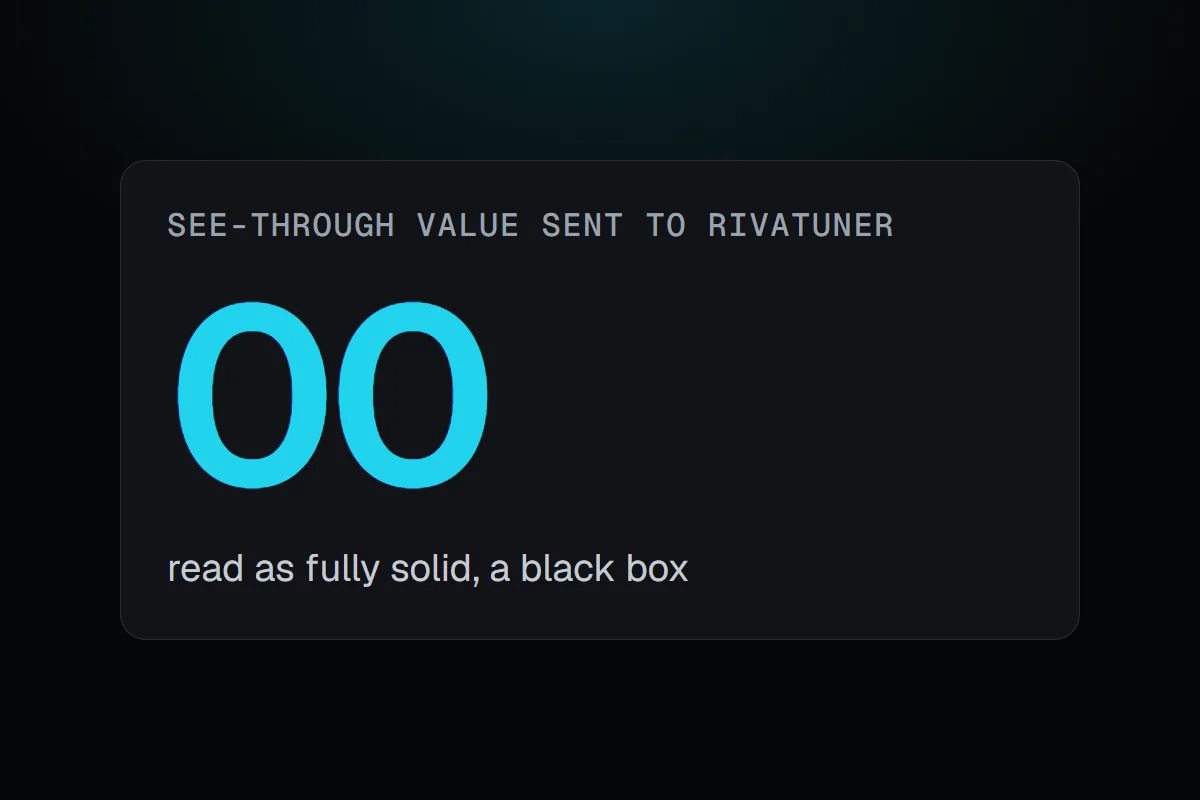
The cause was a colour code. RivaTuner takes colours with a see-through value in front. A value of 00, fully see-through, is read as "no see-through value given", which RivaTuner treats as solid. So the more see-through you asked for, the more solid you got, right at the end of the slider.
The bug had been there since 0.4.4, four days earlier. Hardly anyone saw it, because hardly any games used that path. The moment I sent more games down it, everyone using a clear background saw a black box.
The rule that came out of it
Changing when an old piece of code runs puts its old bugs in front of everyone. Since then, any change to the overlay gets checked side by side before it ships. I put RigSight's own overlay next to RivaTuner's for every setting, at every size, with and without a background, in colour and in grey. It's a sheet of pictures I look over. It takes a few minutes, and it would have caught this one.