
PC problems · FPS and games
Games stuttering on PC? Find out if it's the game or the PC
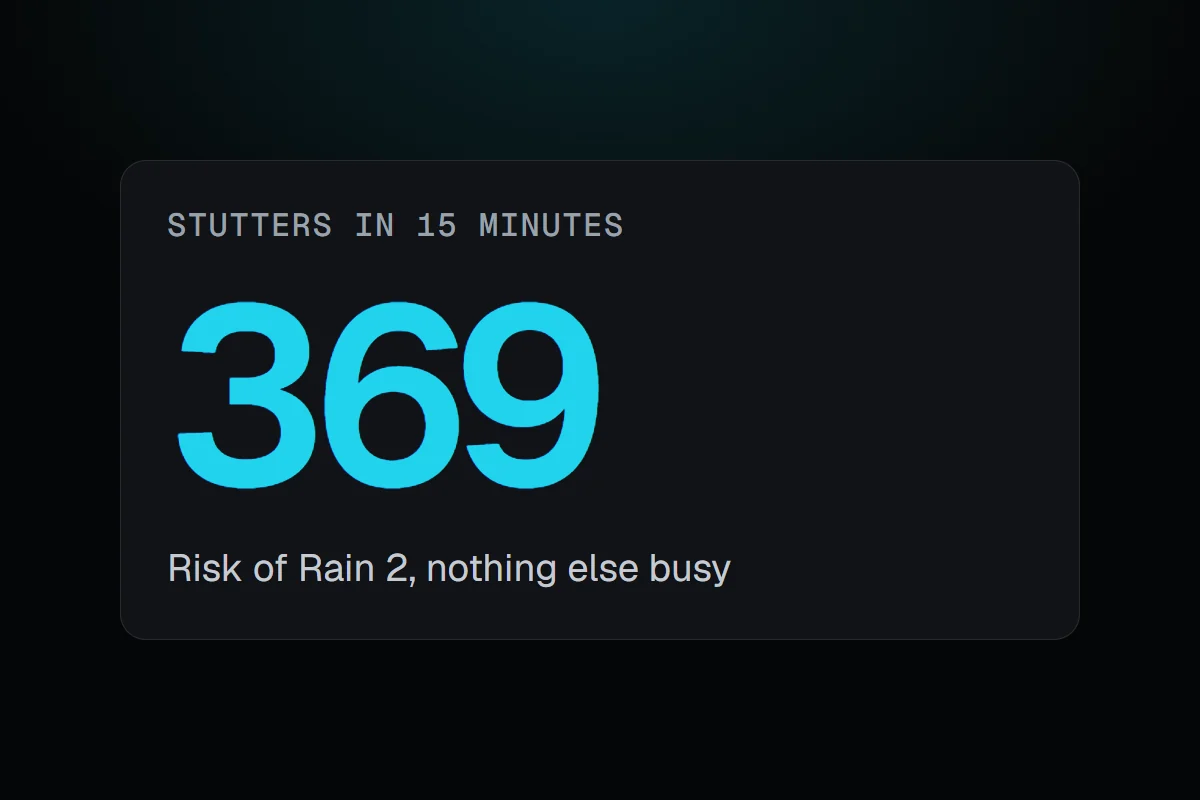
My worst stutter burst was 369 hitches in 15 minutes of Risk of Rain 2, and nothing else on the PC was busy. How RigSight counts every stutter and names what else was running, why games stutter on PC, and how to fix it.
The short answer
Games stuttering on PC means some frames take far longer than the ones around them. Either the game itself is busy, compiling shaders or loading, or something else on the PC grabs the disk, the CPU or graphics memory at that moment. Check what else was running when the stutters bunched up, then fix that side first.
On 28 October, in one stretch of Risk of Rain 2 starting at 10:35 PM, RigSight counted 369 stutters in 15 minutes. That's more than one hitch every three seconds. My first guess was something in the background. But in those 15 minutes nothing else on the PC was busy. Steam used about 3 MB a second of disk, and no other app used more than about 1% of the CPU. The stutter was coming from the game itself. When games keep stuttering on PC, that's the question to answer first, because the fixes for each side have nothing in common.
How RigSight caught it
Since version 0.35.0, RigSight reads every frame's time from RivaTuner Statistics Server while you play. It counts a stutter when one frame takes at least 2.5 times as long as the frames just before it, and at least 20 ms. A game at 144 FPS jumping from 7 ms frames to 20 ms is a hitch you feel, while 8 to 12 ms isn't. Nothing counts while a game runs under 20 FPS overall, so loading screens stay out.
When you open a play frame by frame and five or more stutters bunched up within 15 minutes, RigSight looks at what else was going on in those minutes, against the rest of the play. It names another app reading or writing the disk heavily, the GPU's memory nearly full, another app busy on the CPU, or Windows nearly out of memory. If none of those stood out, it says so. That last answer is useful too, because it tells you to look at the game.
On the Games page, each game says how smooth it plays, as Smooth, Mostly smooth or It stutters, from how many stutters an hour it had, with the 0.1% low beside it. Every play lists its stutters. My Phantom Blade Zero days have run at between about 160 and 270 stutters an hour, so that game reads as It stutters too. RivaTuner has to be running before the game starts, and the Games page has a button to install or start it. RigSight is free and open source.
Why games stutter on PC
A stutter is one frame, or a few, that take far longer than the ones around them. The average frame rate barely moves, which is why a game can show 180 FPS and still feel rough. The 1% low FPS post explains the numbers.
The causes split into two sides.
- The game itself can be busy. Many games build shaders the first time they need them, especially after a graphics driver or game update. Open-world games load new areas as you move, and busy scenes can make the CPU the limit for a moment.
- Something else on the PC can grab a resource at the wrong moment. A launcher updating, an antivirus scan, cloud sync or a browser tab can take the disk or CPU. A game that fills the GPU's memory has to swap data in and out.
- Overlays and capture tools hook into the game and add their own work every frame.
- Heat makes a CPU or GPU slow down in bursts once it reaches its limit.
How to fix games stuttering on PC
First find the side. In RigSight, open the game on the Games page, open the play frame by frame, and read the line about when its stutters bunched up. Without RigSight, run the game with Task Manager open on a second screen, or play a while, then check Processes sorted by Disk and CPU while it stutters. Then work through these in order.
- Give it a second session after any driver or game update. If the stutter is shaders being built, the second session is smoother.
- Close background work. Pause launcher downloads, cloud sync and browser video while you play.
- Lower Texture quality one step if the GPU's memory is nearly full.
- Turn overlays off one at a time, including Discord's, Steam's and the NVIDIA or AMD overlay, and see whether the stutters drop.
- Set a frame cap a little below what your PC holds in busy scenes. A steadier pace hides small hitches, and with G-Sync or FreeSync cap a few frames below the refresh rate.
- Use your launcher's verify or repair option for the game's files.
- Check temperatures while you play. Normal GPU temperature while gaming has the limits.
- Set Windows to Best performance in Settings > System > Power & battery > Power mode, and play laptops on the charger.
If nothing else on the PC was busy and the stutter survives all of that, it's likely the game's own. Look for a patch, or check the game's forums for others with the same hardware.
Your next step is to catch the next bad session and see what was running when the stutters bunched up. If it's another app, close it. If it's nothing, the game is the place to look.
Questions people ask
Why do my games stutter even with high FPS?
Average FPS hides slow frames. A game can average 180 FPS and still have one frame in a hundred take 15 ms or more, which you feel as a hitch. Look at the 1% low and the frame times, not the average.
Why are my games stuttering on PC all of a sudden?
Look at what changed. A new graphics driver or game patch makes many games rebuild their shaders during the first session. A new background app, a Windows update installing, or a launcher downloading can also start it. If it stays after a second session, work through the fixes in order.
What are micro stutters in games?
Micro stutters are single frames that take several times longer than the ones around them, often only tens of milliseconds. They're too short to show in an FPS counter, but you feel them as small hitches when you move the camera.